How to choose a Google CSS Partner: the buyer's checklist

Founder · Gezar & TheCSSPartner
Runs Gezar and TheCSSPartner, an authorised Comparison Shopping Service for Google Shopping. Grenaa, Denmark (CVR 42476226).
5 min
To choose a Google CSS Partner, verify they are Google-authorised (their name must appear in the grey provider line under their merchants' Shopping ads), then compare them on price model, contract terms, localisation, guarantee, support and whether they touch anything beyond your Merchant Center feed. Every authorised CSS delivers the same underlying benefit: your full bid enters the auction instead of losing the margin Google's own CSS keeps, commonly put at around 20%. That benefit comes from how the auction treats a CSS after the EU ruling, not from any provider's own technology. So the real decision is not "who gives the biggest discount", it is "who has the fairest structure around an identical core service."
This guide is built as a practical checklist: eight criteria to run any CSS Partner through before you sign up, plus the exact questions to ask and how to verify the answers yourself.

Why every CSS Partner starts from the same baseline
Before comparing providers, it helps to understand what does not change between them. Because the saving is created by an EU competition ruling (case AT.39740) rather than by proprietary technology, every authorised CSS shares the same mechanics:
- Your ads look identical to shoppers: same products, same prices, same placements.
- The extra bid power is up to 25%, created by the auction structure Google was required to open up.
- Your Google Ads account, campaigns and bidding stay under your own control.
- Connecting or switching providers is a Merchant Center settings change, not a rebuild.
read the EU ruling that created CSS Partners
Once you accept that the core saving is standardised, the marketing claim "we get you better savings" from any provider is worth a second look. Nobody has a faster auction. What varies is everything wrapped around that identical core: how you're charged, what you're locked into, who answers when you email, and whether the provider can prove they are live.
1. Are they Google-authorised, and can you verify it yourself
This is the only criterion that determines whether you get the saving at all. A CSS Partner cannot self-certify: authorisation is granted directly by Google, and it shows up publicly.
How to check it in under two minutes:
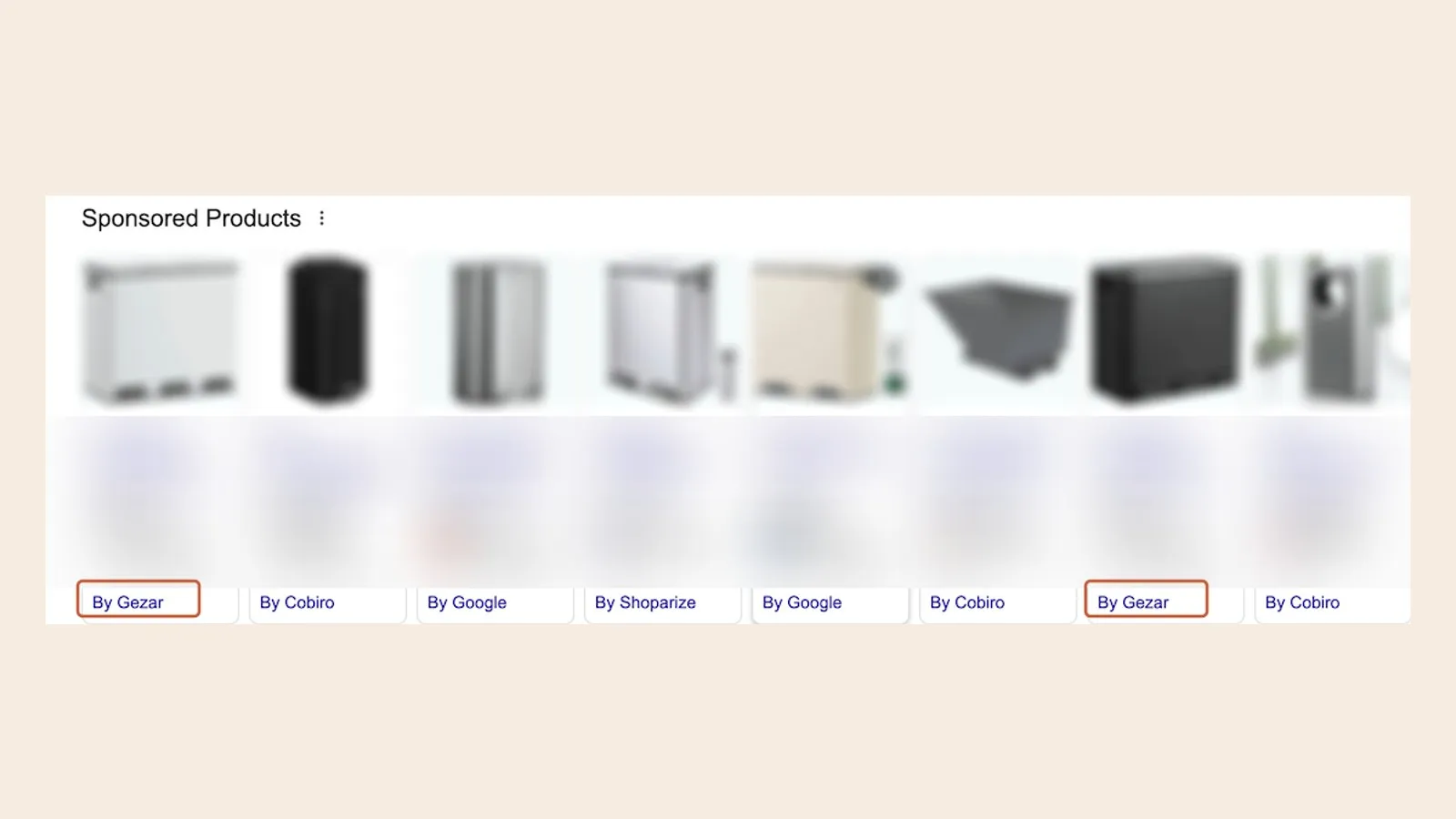
- Ask the provider for the exact name that appears in the grey attribution line beneath their merchants' Shopping ads (for example "by [Provider Name]").
- Search Google Shopping in your own country for a product category, look under a few ads, and confirm you can spot that name live.
- If a provider cannot point you to a live example, or asks you to "just trust" their authorisation, treat that as disqualifying rather than a minor gap.
A working, verifiable example is worth more than any claim on a sales page. see a live "by Gezar" example
2. Pricing model: flat fee or variable
CSS providers price in two broad shapes, and the difference compounds as your spend grows:
- Flat monthly fee per shop. You pay the same amount no matter how much you spend on Shopping. A shop spending €1,000 a month and a shop spending €20,000 a month pay identically.
- Variable fee. Some providers tie the fee to your activity instead, either a commission on the sales generated through their ads, or a fee that moves with your Shopping spend. A variable model can suit very low-spend or early-stage shops, but the cost grows as you scale, and the provider's incentive shifts toward your conversions rather than simply delivering the CSS saving.
There is no universally "correct" model, it depends on your spend level and how predictable you want your costs to be. The questions worth asking any provider: is this fee flat or does it move with my spend or sales, and at my current (or planned) monthly spend, what would I pay in twelve months?
Compare pricing models
Illustrative EUR inputs. Compares 12 months of a flat fee with a percentage of Shopping spend, not sales commission. Excludes setup fees, tax and discounts. A negative difference favours the variable model.
3. Contract length and how you leave
A CSS connection is a Merchant Center setting. There's no technical reason that requires a long commitment to operate one. When you're evaluating a provider, ask plainly: is there a minimum term, and what does cancelling look like?
Terms worth looking for: no minimum term, cancel at any time, disconnect in Merchant Center whenever you choose. If a provider requires a longer commitment, ask what specifically justifies it, since the underlying service does not require it technically.
period
4. Setup fees and onboarding cost
Connecting your Merchant Center to a CSS takes a provider a few minutes of configuration on their end. A meaningful setup fee for that step deserves a direct question: what exactly does that fee cover? Some providers charge nothing to onboard. A large upfront fee is not automatically a sign of quality, so weigh it against what you're getting for it.
5. How you can test the saving before you commit
A provider confident in the saving should be willing to let you verify it yourself. Ask specifically: is there a minimum term, and can you cancel at any time? With no lock-in, two billing cycles are enough to see the effect in your own Google Ads account before you're tied to anything. A fixed commitment signed before you've seen a single number shifts more of the risk onto you.
6. Language and localisation: platform and support
If you sell in multiple European markets, or you and your team don't work primarily in English, localisation is a practical, not cosmetic, criterion. Two things to check:
- Is the platform (dashboard, invoices, onboarding) available in your language, or in the languages of the markets you sell into?
- Can support respond in that language, or does everything route through English?
For a shop selling across several EU countries, a provider that only operates in English adds friction every time something needs explaining precisely, which happens more often than most people expect during onboarding.
7. Support: who answers, and how fast
Shopping ads are close to your revenue, so when something looks off, you want a real answer quickly. Ask directly: who do I reach, a named person, a small team, or a ticket queue that routes to whoever's available? Ask what a typical first-response time looks like, and whether that changes once you're a paying customer versus still evaluating.
8. What access they need, and PMax compatibility
A CSS Partner connects at the Merchant Center level to route your product feed through the CSS auction. It does not need, and should not require, full access to your Google Ads account, your bidding, or your campaign structure. If a provider asks for broader account access than that as a condition of using their CSS, ask specifically why, because the CSS mechanism itself doesn't call for it.
Separately, confirm the CSS works with the campaign types you run. Most shops today run Performance Max alongside or instead of Standard Shopping, so ask plainly: does this work with PMax, or only with legacy Standard Shopping campaigns? A CSS that only supports older campaign types is a poor fit for how most accounts are structured in 2026.
Quick comparison checklist
Before you commit to any CSS Partner, get a clear answer to each of these:
- Can you show me where your name appears live on Google Shopping ads?
- Is the price a flat fee per shop, or a variable fee tied to my spend or sales?
- Is there a minimum contract term, and exactly how do I cancel?
- Is there a setup fee, and what does it cover?
- Is there a money-back guarantee, and how long does it run?
- Is the platform and support available in my language, or only in English?
- Who do I reach for support, and how quickly do they typically respond?
- Does this work with Performance Max, and what access to my Google Ads account do you need beyond Merchant Center?
If a provider answers all eight cleanly and can back the authorisation claim up with a live example, you're evaluating a legitimate option. If pricing only appears after a sales call, or the authorisation claim can't be verified, keep looking.
How The CSS Partner stacks up against this checklist
Running our own service through the same eight criteria, transparently:
- Authorisation: Google-authorised CSS, verifiable live as "by Gezar" on Shopping ads.
- Pricing: a published fee per shop, currently from 11.66 €/month on the annual plan, regardless of Shopping spend. For more shops than the published tiers cover, the price is agreed directly, contact us.
- Contract: no minimum term, cancel any time from your account.
- Setup: no setup fee.
- 60-day money-back guarantee. No questions asked.
- Localisation: platform and support available across the languages of the markets we operate in.
- Support: you reach the founder directly, not a ticket queue.
- Compatibility: works with Standard Shopping, Performance Max, Demand Gen, and Video campaigns.
We're not asking you to take any of that on faith: verify the authorisation claim yourself in Google Shopping, and compare the pricing structure against whatever quote you're weighing it against.
Frequently asked questions
How do I know if a CSS Partner is Google-authorised?
What's the single most important criterion when choosing a CSS Partner?
Does a more expensive CSS Partner deliver more bid power?
Can I switch CSS Partners later if I choose the wrong one?
Does it cost anything to try a CSS Partner?
Is a flat fee always better than a variable fee?
Do I need to give a CSS Partner access to my Google Ads account?
Will a CSS Partner work with my Performance Max campaigns?
See it on your own account
Usually live within 24 hours, from 11.66 €/month per shop, every live CSS country included, no contract.
Get started