How to switch CSS partner: the step-by-step guide (2026)

Founder · Gezar & TheCSSPartner
Runs Gezar and TheCSSPartner, an authorised Comparison Shopping Service for Google Shopping. Grenaa, Denmark (CVR 42476226).
9 min
To switch Google Shopping CSS partner, you approve one connection request in Google Merchant Center. Your Shopping ads are running through the new CSS, usually within 24 hours, with zero downtime and nothing in your campaigns, feed, bids or account changed. The switch is fully reversible with the same one-click process in either direction.
Each step below is covered in detail: what happens, what does not happen, how long it takes, and how to verify the switch worked once it is done.
Why this decision feels riskier than it is
If you have never switched a Comparison Shopping Service before, the idea of touching anything connected to your live Google Ads account is uncomfortable. Shopping campaigns took time to build up performance history and Quality Score, and nobody wants to be the reason a working account breaks.
Here is the part that matters: a CSS switch does not touch your Google Ads account, your campaigns, or your performance history at all. It changes one thing, which CSS your bids are routed through at the auction level. Your Merchant Center feed, your campaign structure, your bidding strategy and your Quality Score all live inside Google Ads and Merchant Center, both of which stay entirely under your control before, during and after the switch. The CSS itself is a routing layer underneath your campaigns, not a layer your campaigns depend on.
If you are still unclear on what a CSS partner is, start here before going further into the switching mechanics.
Why shops switch CSS partner
Three reasons come up again and again:
- Price structure. A flat monthly price per shop, with every EU CSS country included, keeps your cost predictable and is usually cheaper than a variable fee or separate per-country charges the moment you run Shopping in more than one market.
- Coverage gaps. A shop expands into new countries and its current CSS does not cover all of them under one connection, forcing separate sign-ups or missed savings in some markets.
- Support and terms. A shop has a question and cannot reach a person, or is locked into a contract term it wants out of.
The underlying mechanism is essentially identical across every Google-approved CSS: it comes from Google's own CSS program rules, not from any individual provider inventing more bid power. So switching is almost never about finding a mysteriously bigger edge. It is about paying a fairer, more transparent price for the same mechanism, with terms that do not lock you in.
If you have not settled on where to switch to yet, this comparison guide covers what to look for.
What changes, and what does not
This is the section to bookmark before you start, because most switching anxiety comes from not knowing where the boundary sits.
What changes:
- Which CSS is connected to your Merchant Center account.
- The provider name shown in the small grey attribution line under your Shopping ads.
What does not change:
- Your Google Ads account. It remains entirely yours, with the same login, the same billing, the same everything.
- Your campaigns, ad groups, bids, budgets, and audience or location targeting.
- Your product feed, product data, and Merchant Center settings.
- Your Quality Score, ad rank, and historical performance data.
- Anything a shopper sees on the ad itself. Same products, same prices, same images, same landing pages.
- Your standard Shopping and Performance Max setups. Both continue running through the new CSS exactly as they ran through the old one, because CSS routing sits below the campaign layer for both formats.
A CSS switch happens at the infrastructure layer beneath your campaigns. From Google's advertising platform's perspective, your bids simply start routing through a different CSS track in the auction. Nothing about how the algorithm evaluates your account resets or relearns. There is no new learning phase, because there was never a campaign-level change to learn from in the first place.
Step 1: Sign up with the new CSS partner (about 5 minutes)
Create an account with the CSS partner you are moving to. You typically need your name, your email, and the country your shop is based in. Payment details are usually not required just to start the connection process.
Once your account exists, the provider generates a Merchant Center connection request and sends it to the Google account linked to your shop.
Step 2: Approve the connection request in Merchant Center (1 click)
Open Google Merchant Center. You will see a connection request that looks like a standard third-party account access notification. Click Approve.
That single click links your Merchant Center to the new CSS. You are not editing campaigns, feed data or bids anywhere in this step. If you cannot immediately find the request, a properly run CSS provider will walk you through exactly where to look. In practice this takes about two minutes once you are logged in.
Step 3: The provider finishes the CSS configuration (usually within 24 hours)
After you approve, the new provider completes the CSS setup on their end. Usually within 24 hours, your Shopping ads are running through the new CSS and your full bid competes in the auction. A properly run provider will confirm to you directly once you are live, rather than leaving you to guess. If you run through another CSS today, Google lets that CSS keep your account for up to 14 days after you approve us, and your ads keep running with them in the meantime.
Merchant Center
Step 4: Disconnect the old CSS (optional housekeeping)
In most cases the new connection automatically supersedes the old one in Merchant Center. If your previous provider still shows as linked, disconnect it. There is no technical notice period required to do this. What you should check is your old provider's own billing terms, so you stop being invoiced by them once you have moved on.
Cost of switching
Illustrative EUR inputs for fees only, not the extra bid power. Include cancellation fees and overlapping billing in one-off costs. Assumes 12 months at the new fee; tax and discounts excluded. Payback is rounded up to whole months; — means no positive recurring saving. Timing and billing depend on provider terms.
Step 5: Confirm and move on
Once you have verified the switch worked (see the verification section below), there is nothing else to do. No campaign rebuild, no re-approval period, no waiting out a probation window. The switch is complete the moment your ads are routing through the new CSS and your billing with the old provider is closed out.
Do you need to pause your campaigns before switching?
No. This is the single most common worry, and the answer is simple: your Shopping campaigns run continuously through the entire switch. There is no pause, no reset, and no relearning phase, because the switch never touches the campaign layer that would trigger one. Keeping your campaigns live during the switch is the correct approach, not a risk you are taking on.
Some shop owners assume that because switching CSS feels like switching a "provider," it must resemble switching, say, a payment processor or an email platform, both of which often require a cutover window. It does not. The CSS layer sits below the campaign, so there is nothing to cut over on the campaign side at all.
Will I lose data, history, or need to rebuild anything?
No, on all three counts, and this is worth stating plainly because it is the question that stops most shop owners from switching in the first place.
- Campaign history and Quality Score live inside your Google Ads account. The CSS switch does not touch Google Ads at all, so nothing about your history resets.
- Product feed and Merchant Center data stay exactly where they are. You are not re-uploading a feed or reconfiguring product groups.
- Nothing needs to be rebuilt. There is no new campaign structure, no new conversion tracking setup, and no new bidding strategy to configure. The switch is a connection change, not a migration.
If a provider ever tells you that switching to them requires rebuilding your campaigns or re-tagging your feed, that is not how an authorised CSS switch works, and it is worth asking why their process differs from the standard Google connection flow.
How to verify the switch worked
Three independent checks confirm it, and it is worth doing all three rather than relying on a single signal:
1. Check Merchant Center. Your CSS provider should now show as the new partner rather than the old one, under the account's linked services.
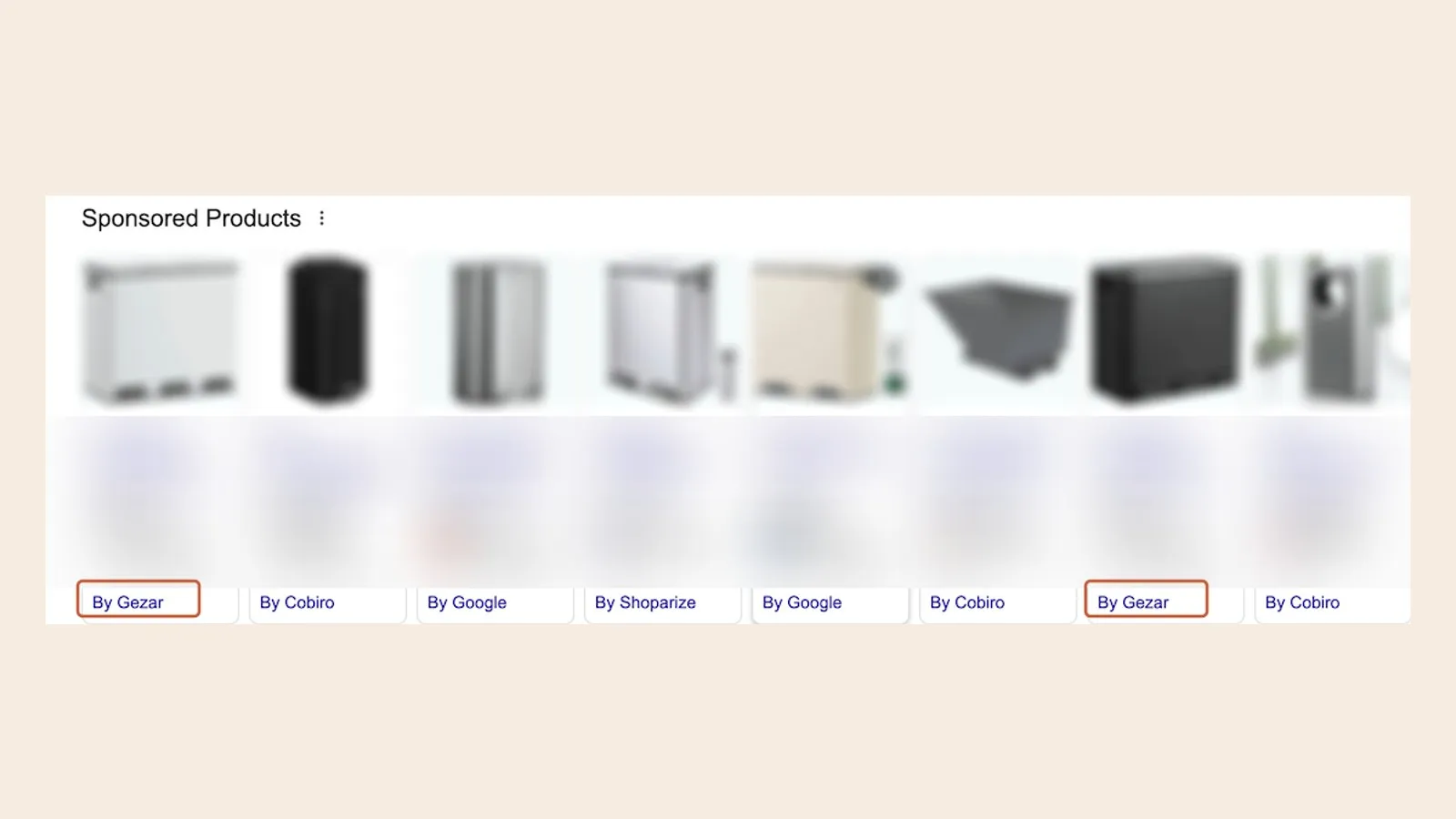
2. Check the provider line on a live ad. Search Google Shopping for one of your own products and look at the small grey attribution line beneath the ad. It should name your new CSS provider. This is the most direct, publicly verifiable proof that the switch is live: you can search for it yourself, from any browser, without logging into anything.


3. Watch impression share, not just CPC. If you are moving from Google's own CSS, compare impression share and clicks in Google Ads with the weeks before the switch. The extra bid power can show up as lower click prices, more clicks or better positions, and automated bidding often spends it on volume, so the average CPC alone can stay flat while you get more for the same money. If you are moving between two independent CSS providers, these numbers should simply hold steady.
If you want a fourth data point, ask your new provider directly whether the connection is fully live on their end. A provider running this correctly will be able to tell you within seconds, because it is visible on their side of the connection.
Common concerns when switching, answered directly
Will I lose my campaign history or Quality Score? No. History, Quality Scores and performance data all live in your Google Ads account, which a CSS switch does not touch. Nothing resets, because nothing at the campaign layer was ever part of the switch.
Will there be a gap where my ads stop running? No. The new CSS connection takes over without interrupting your campaigns at any point. There is no dark period between providers, because the old and new CSS connections are not sequential steps that require a shutdown window, they are simply which one Merchant Center is currently pointed at.
What if I am mid-contract with my old provider? The technical switch itself is independent of your old provider's billing terms. Check their cancellation terms so you are not paying two CSS providers at once, but the switch mechanism does not depend on, or wait for, your old contract to end.
Can I switch back if I change my mind? Yes. Switching CSS is always the same one-click Merchant Center approval, in either direction. You are never permanently committed to a single provider by the act of switching.
Does this work with Performance Max, or only standard Shopping campaigns? Both. CSS routing operates below the campaign layer for standard Shopping and for Performance Max campaigns that include a Shopping feed. Switching CSS does not require you to rebuild or restructure either campaign type.
Do I need to involve my agency or ad manager before switching? You do not need their involvement to execute the switch itself, since the CSS connection sits at the Merchant Center account level, separate from day-to-day campaign management. It is courteous to let them know in advance so they are not confused by a CPC shift in the account data and can flag anything unusual quickly if it appears.
Is there any penalty risk to my Google account from switching? No. Running Shopping ads through an authorised CSS is a standard mechanism built into Google's own advertising platform and used by shops across the EU. Moving between two Google-authorised CSS providers carries no penalty risk, because both providers are operating within the same approved program.
How do I know the new CSS is authorised by Google? Check that the provider appears in Google's list of authorised Comparison Shopping Services, and confirm the attribution line under a live ad names them by their registered CSS name after the switch completes. Both checks are things you can do yourself, without needing to take a provider's word for it.
The bottom line
Switching CSS partner is one of the lowest-friction changes you can make to a Shopping setup: one approval click, usually live within 24 hours, zero downtime, no relearning phase, and fully reversible if you change your mind. Nothing in your campaigns, feed, bids or Quality Score is touched at any point in the process.
If your current provider uses variable or per-country pricing, or has you locked into terms you would rather not be in, switching to a flat price per shop with every EU CSS country included is a low-risk way to find out whether it is worth it.
See current pricing, read how the CSS partner program works end to end, or get started and be live, usually within 24 hours.
Frequently asked questions
How long does a CSS switch take?
Does switching CSS affect my ad ranking or Quality Score?
Will my campaigns go offline during the switch?
Do I need to rebuild my feed or campaigns to switch?
Do I need to tell my agency before switching CSS?
Can I switch back to my old CSS partner if I am not satisfied?
Does switching CSS work with Performance Max campaigns?
Is there any risk to my Google Ads account from switching between authorised CSS providers?
See it on your own account
Usually live within 24 hours, from 11.66 €/month per shop, every live CSS country included, no contract.
Get started